How to Redesign Your Apartment with AI: A Step-by-Step Guide (2026)
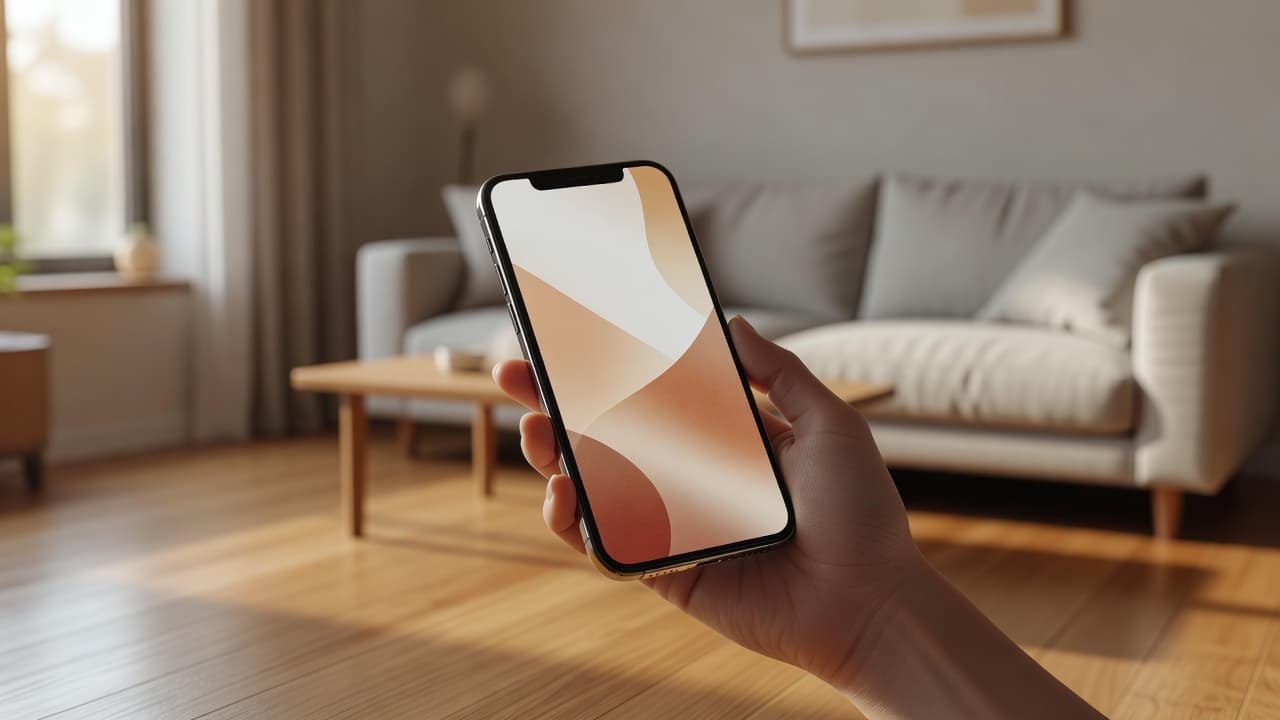
“How do I redesign my apartment with AI?” is one of the most common questions people ask once they realise AI can do more than write emails. The good news: you do not need any design background, expensive software or a professional consultation. You need one photo, about a minute, and an AI interior design app built for real rooms. Here is exactly how it works, step by step.
What You’ll Need
- An iPhone or Android phone
- A clear photo of the room you want to redesign
- The DecorAI app, free on both app stores
- About sixty seconds
That is genuinely the whole list. No measuring tape, no CAD software, no design portfolio required.
Step 1: Take or Upload a Photo of Your Room
Open DecorAI and upload a photo of the room you want to redesign — a living room, bedroom, kitchen, bathroom, home office or small studio all work. Stand in a corner if you can, so the camera captures as much of the room as possible, and try to shoot in daylight for the clearest result. The AI room planner uses this exact photo as its starting point, so the better the photo, the more useful the redesign.
Quick Photo Tips
- Shoot from a corner to capture two walls and the floor
- Use natural daylight where possible
- Keep the phone level rather than tilted up or down
- Clear obvious clutter from the frame if you can — it is optional, not required
Step 2: Choose an Interior Style or Design Goal
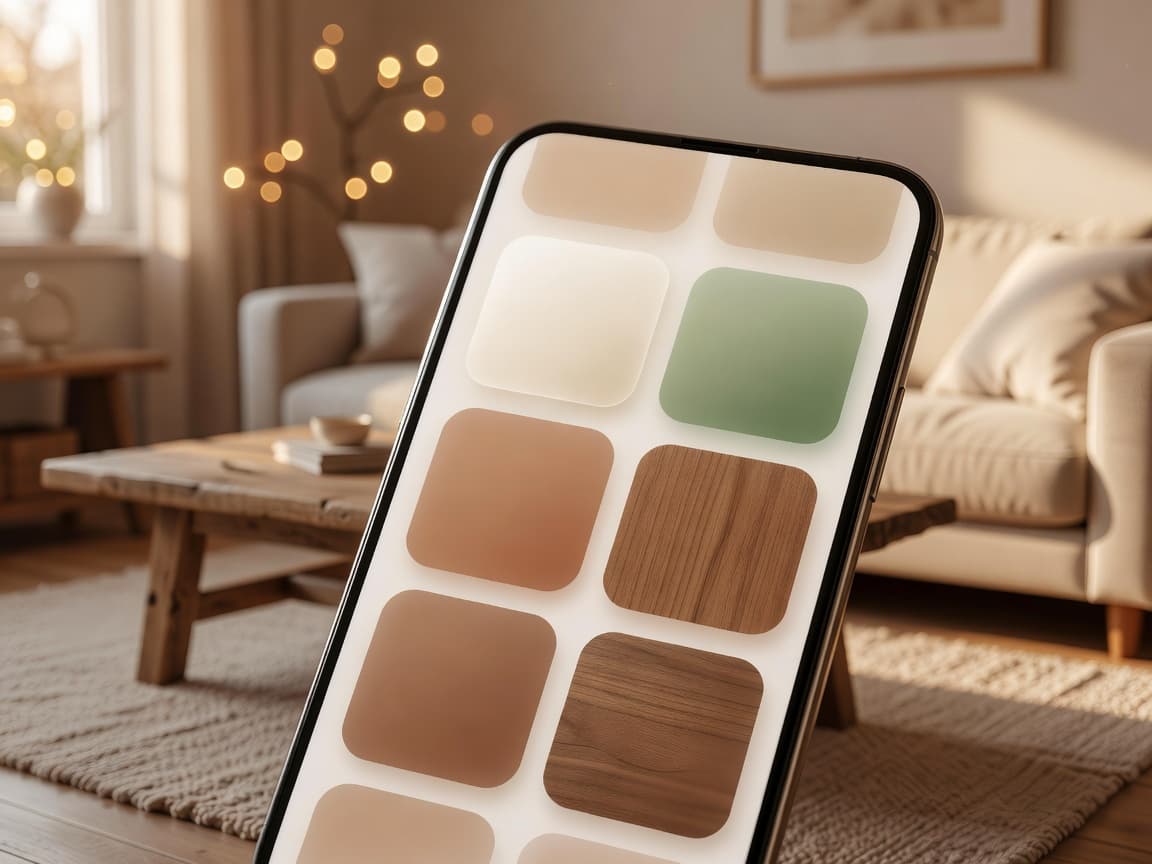
Once your photo is uploaded, pick a style from the interior style library. Popular choices for small Asian apartments include Japandi, Korean minimalist, modern condo, tropical modern, warm minimalist and organic modern — but you can try more than one on the same photo to compare directly. If you are not sure where to start, warm minimalist and Japandi tend to work well in almost any compact room, thanks to their neutral palettes and light-enhancing materials.
Step 3: Generate Your AI Interior Design Concept
Tap generate. DecorAI analyses your real photo — the walls, the light source, the rough floor plan — and produces an AI interior design concept built around it. This usually takes just a few seconds. Unlike browsing generic inspiration images, what comes back is tied to your actual room, so the furniture direction, colour palette and layout ideas are things you could genuinely act on.
Step 4: Compare Before-and-After Side by Side
This is where an AI room makeover actually earns its usefulness. Instead of trying to imagine how a style might look, you get a direct before-and-after view of your own room. Generate a second or third style and compare them next to each other before deciding on a direction — it costs you nothing but a few extra seconds, and it is far cheaper than buying a sofa you are not sure about.
Try it now — upload a photo of your room and compare two or three AI-generated styles before you spend a cent on furniture.


Step 5: Save, Share and Use the Results
Save the concepts you like and share them with a partner, roommate, landlord or contractor. Because the redesign is based on your real room, it works well as a visual reference when buying furniture, briefing a contractor, or simply deciding whether to repaint a wall. Many renters use this stage to shortlist two or three directions before committing to any purchase.
Sample Prompts to Try With Your Own Photo
Once your room is uploaded, a short written prompt alongside your chosen style can help steer the result even further. Here are a few real examples worth trying:
- “Redesign my small apartment living room in a Japandi style with warm wood and ivory walls.”
- “Make this studio bedroom feel warmer, cozier and more organised.”
- “Create a tropical modern living room with rattan furniture and soft sage accents.”
- “Turn this bedroom into a Korean minimalist space with cream linen and oak furniture.”
- “Suggest space-saving furniture ideas for this small home office corner.”
See our full list of prompt examples for more inspiration once you get comfortable with the workflow.
Common Mistakes to Avoid
Uploading a Dark or Blurry Photo
Low light and motion blur make it harder for the AI to read your walls and furniture edges accurately. A daytime photo with the lights on will always produce a cleaner result.
Only Trying One Style
The biggest advantage of AI interior design is speed — use it. Generate two or three styles on the same photo before deciding, since a direction that sounds appealing in theory does not always suit your actual light and layout.
Treating the Result as a Finished Renovation
AI-generated interior design is meant as visual inspiration and early-stage planning support, not a construction blueprint. For structural changes, electrical work or plumbing, it is still worth consulting a licensed professional — DecorAI is best used to figure out direction and style before that conversation happens, similar to how a traditional interior designer would gather mood-board references before drawing up a plan.
How This Is Different From a Photo Filter
It is worth clarifying what AI interior design actually does, since the term gets used loosely. A photo filter changes colour, brightness or texture on top of your existing photo — the sofa is still the same sofa, just tinted differently. Genuine AI interior design regenerates the room itself: new furniture, new materials, a new layout direction, while still respecting the underlying walls, windows and proportions of your real room. That difference is what makes the before-and-after view meaningful rather than cosmetic.
Which Rooms Work Best for an AI Room Makeover?
In theory, any room with a clear photo can be redesigned. In practice, some rooms tend to produce especially useful results because they involve more visible furniture and layout decisions.
Living Rooms
Sofas, rugs, coffee tables, lighting and TV wall layouts make living rooms one of the most popular rooms to redesign — see our full breakdown of AI living room design ideas for more direction.
Bedrooms
Bed placement, nightstands, linen tones and lighting all respond well to AI redesign, which is why AI bedroom design is one of the most requested style categories among small-apartment users.
Home Offices
For hybrid workers, a home office redesign focused on desk layout, shelving and a video-call-friendly background can make a genuinely noticeable difference to a compact workspace — explore AI home office design for more ideas.
How Long Does It Actually Take?
Realistically, the whole process — photo upload, style selection, generation and comparison — takes under two minutes for a first redesign, and closer to thirty seconds per additional style once you know what you are doing. That speed is precisely why AI has become a practical first step rather than a novelty: there is no meaningful time cost to trying three directions instead of one.
Why This Process Works Better Than Browsing for Inspiration
Traditional room planning usually starts with hours of scrolling through other people’s interiors, followed by a lot of mental math trying to translate someone else’s 40 m² space onto your 20 m² studio. AI interior design collapses that entire process into four steps because it starts from your actual room instead of ending there. For renters and apartment owners across compact Asian cities — where rooms are often irregular, narrow or oddly lit — that difference matters even more than it does in larger homes.
Iterating: Getting a Better Result on Your Second Try
The first redesign you generate will not always be the one you love, and that is completely normal. Because the whole process takes seconds, treat your first result as a starting point rather than a final answer. A few adjustments tend to help the most:
- Try a different style on the exact same photo before switching to a new room
- Re-upload with better lighting if the first result looks murky or hard to read
- Add a short written prompt describing a specific mood, like “cozier” or “brighter”
- Compare at least two directions side by side before deciding what to shortlist
Most users land on a direction they like within two or three generations — far faster than scrolling through inspiration feeds for an equivalent amount of usable direction.
Frequently Asked Questions
Does my room need to be tidy before I take a photo?
No. A tidier photo can make it slightly easier to read the room, but it is not required. The AI is focused on walls, light and layout — not judging your laundry pile.
Can I redesign more than one room?
Yes. Repeat the same four steps for each room — living room, bedroom, kitchen, bathroom or home office — since each redesign is generated independently from its own photo.
Do I need to create an account first?
Setup is intentionally lightweight — the goal is to get from photo to redesign as quickly as possible, without a long onboarding flow standing in the way of your first result.
Does it cost anything to try?
DecorAI is free to download on the App Store and Google Play, so you can try the full workflow on your own room before deciding whether to use it regularly.
Try the Full Workflow Yourself
Redesigning your apartment with AI takes less time than making a cup of coffee. Open DecorAI, upload a photo of any room, pick a style from the style library, and compare your first before-and-after concept in under a minute. It is free to download on the App Store and Google Play, and no design experience is required.
For more ideas on what to look for in a good AI interior design workflow, see our guide to the best AI interior design app for small apartments in Asia.